


Upward365 > Spreadsheets
Upward365 vs Spreadsheets and Manual Reviews:
What You Gain by Moving to Performance Review Software
The right tool is the one your people open
You already know the spreadsheet is breaking. If performance reviews live in shared docs, email threads and one person's memory, here is a straight comparison. What manual process gets right, where it breaks down at scale, and what a dedicated platform changes.
No pressure. Ever.
Last updated October 2026.

The short answer
Manual review processes and Upward365 both document performance, set goals, and give managers a record to work from. The difference is how much of that structure survives a busy quarter. A spreadsheet works while one person can hold the whole process in their head. Upward365 is performance review software built for the point where that stops being true, and built around one question: will your managers use it? Every design decision had to answer yes. One platform managers open all year, a named Account Manager who knows your setup, and every Upward365 feature at $8 per user per month with a $4,000 annual minimum.
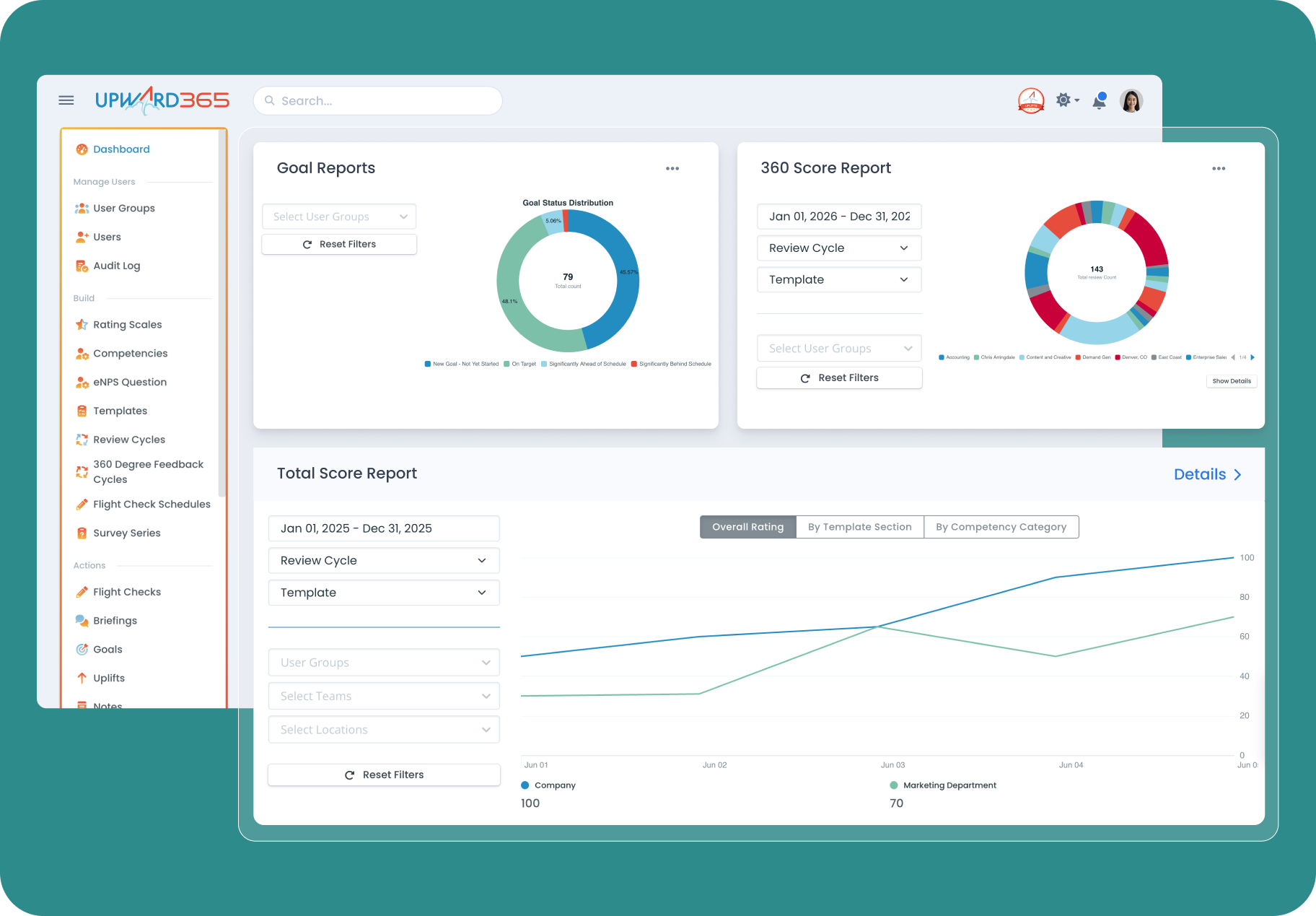
Spreadsheets and shared docs work until review cycles, goal tracking and recognition all live in different places with no shared history. Upward365 puts Reviews, Goals, History Hub, Flight Checks, Briefings and Uplifts in one platform for $8 per user per month, so managers walk into a review with a full year of context instead of a folder search.
Why managers open it
The difference is what exists in January, not what happens in December.

Year-round context instead of a folder search.
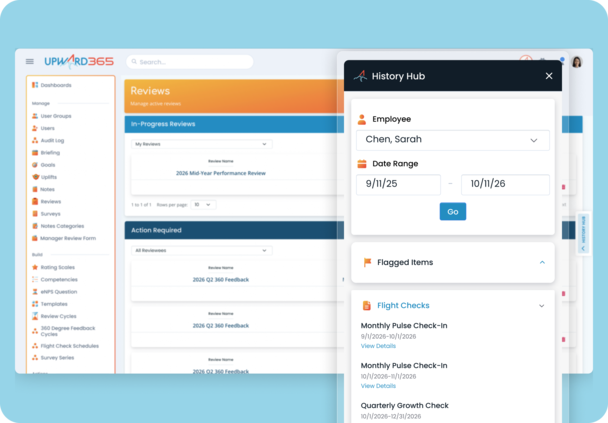
History Hub keeps Notes, Uplifts and Flight Check responses attached to each employee automatically, so review season starts with context instead of a scramble through email. A manual process depends on whoever remembered to save the file in the right place. That is a single point of failure a system removes by design.

Structure managers do not have to rebuild every cycle.
The Dynamic Template Builder loads the right competencies by department and role automatically, and cascading Goals connect individual work to company targets without a manager building a new tab for every cycle.

Managers see what is due without being chased.
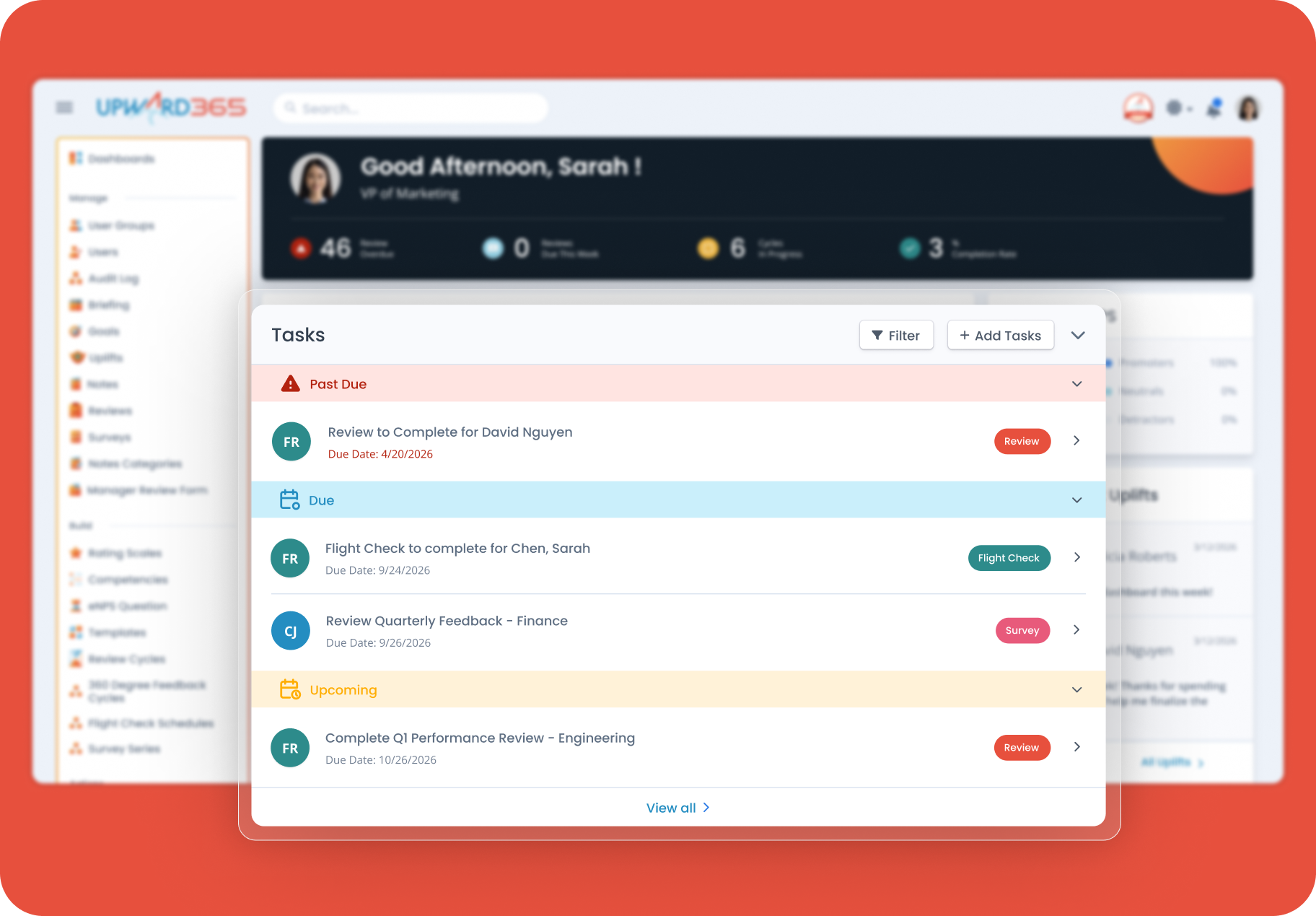
The Dashboard To Do Queue shows every manager what needs attention and links straight to it, which is the part a spreadsheet cannot do at all.

Every 1:1 has an agenda before it starts.
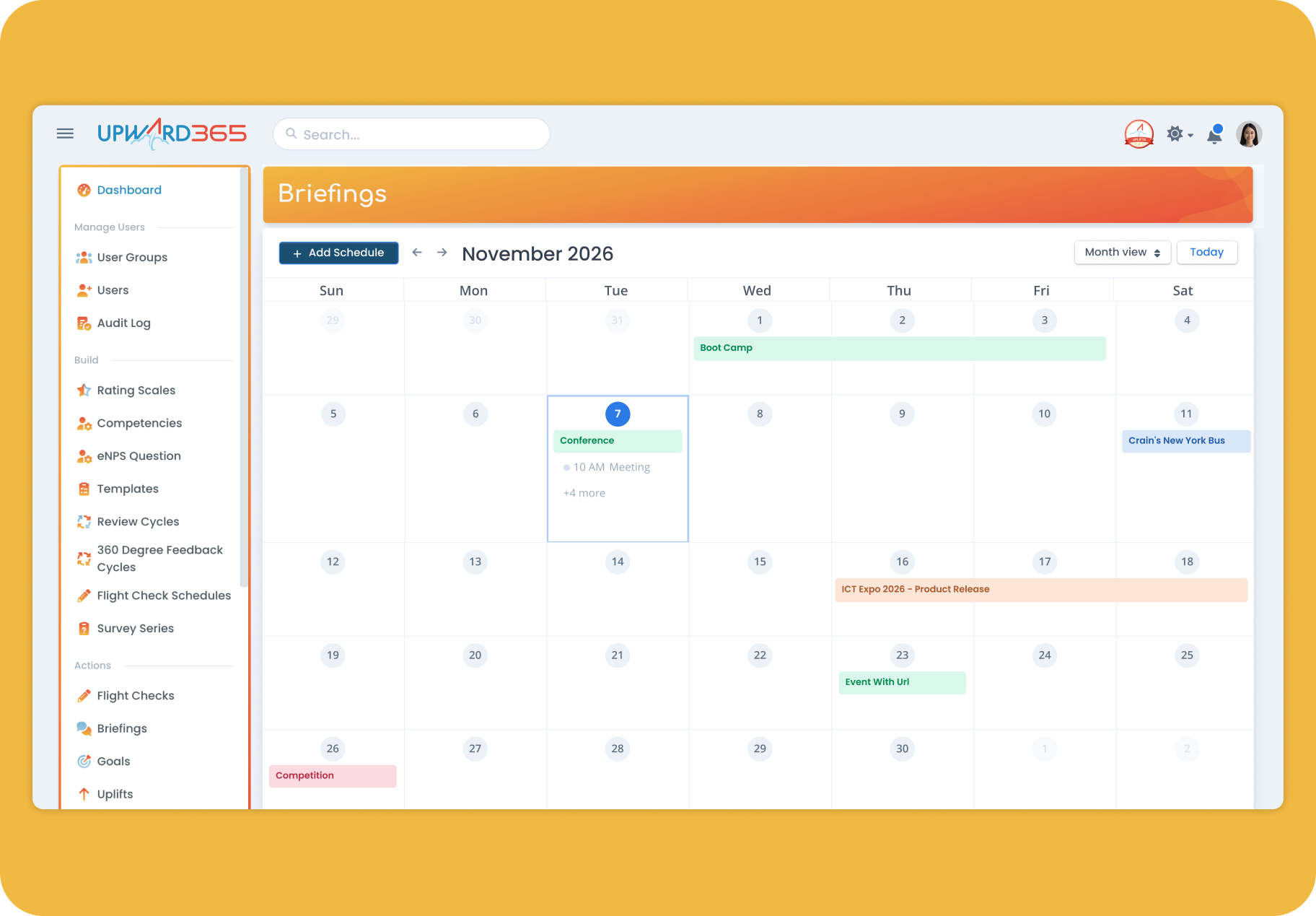
Briefings give managers and employees a shared agenda, so the platform is part of the conversation instead of a separate doc nobody opens.
No. The Dynamic Template Builder and cascading Goals in Upward365 are built to match how a specific team already runs reviews, department by department, so the switch replaces manual upkeep with automated structure rather than forcing a rigid new process on the team.
A real person who knows your account
Someone to call, by name, from your first call onward.
When a manual process breaks, a formula, a missing template, a manager who cannot find last year's notes, there is nobody to call. Every Upward365 account gets a named Account Manager who handles your demo, implementation, configuration and ongoing support. Your Upward365 Account Manager knows how your review calendar is set up, you have their direct number, and questions and calls get an answer the same day, depending on when they come in. There is no handoff from sales to implementation to customer success, and the founders are reachable when you want them.

Dedicated Account Manager for your entire lifecycle, direct number, same-day response, founders reachable
None
Dedicated Account Manager handles implementation, configuration and online training. Most accounts live within a month or sooner
Build it yourself
Dynamic Template Builder, competencies load by role
Rebuilt or copied each cycle
Included
Manual collection and collation
Included, company to division to team to individual
Manual, if at all
Included as History Hub, Notes, Flight Checks
Whatever someone remembered to save
Included as Uplifts, carries into reviews
Not captured
Included as Briefings
Separate docs
Included
Separate tool
Dashboard queue with direct links
Manual chasing
Filter by cycle, section, competency
Manual
Time-stamped record of key changes
File version history
$8 per user per month, every Upward365 feature, $4,000 annual minimum
No software cost. Time cost sits with HR
Objections we hear
"We are too small for a platform like this."
Upward365 is priced and built for 50 to 2,000 employees, and the $4,000 annual minimum reflects that. Below 50 employees, a spreadsheet is likely still right, which is why this page says so below.
"We already have a template that works."
A template in one person's drive is not a system. History Hub, Notes and Uplifts turn scattered documentation into a year-round record every manager and HR leader can see, which a template alone cannot do.
"Switching sounds like a project."
It is smaller than it sounds. The interface is straightforward enough that managers find their way around without a training manual, your Upward365 Account Manager handles configuration around your existing review calendar, and you can often import your team and start the same week. Most accounts are fully live within a month or sooner, depending on your availability.
Moving From Spreadsheets to Upward365
One call to see whether it fits.
No pressure ever, and if the answer is no, we will say so on the call rather than after it. And moving from spreadsheets to Upward365 is easier than it sounds.
Your Upward365 Account Manager sets it up around your calendar.
They work with you to configure the platform around how your review cycle already works and run your training sessions online. You can often import your team and start the same week, and most accounts are fully live within a month, and often sooner, depending on your availability.
Sequence the rollout.
Some companies switch on the review workflow and year-round context first, then bring surveys and eNPS online once managers are in the habit. Others roll everything out from day one to take advantage of the link between performance and engagement. It's totally your call. Every Upward365 feature is included from day one, so nothing you turn on later costs more.
What the spreadsheet costs
Not in dollars. In the week before reviews are due.
The spreadsheet is free and the cost is somewhere else. It shows up as the week HR spends chasing managers, the reviews written from three weeks of memory because eleven months of context was never captured anywhere, the goals nobody looked at since January, and the one person who knows how the whole thing works being the constraint on every cycle.
We are not going to put a number on that, because we do not have one and neither does anyone else selling you software. What we will tell you is our number. Upward365 is $8 per user per month with a $4,000 annual minimum. Every Upward365 feature is included, along with HRIS integrations if you run one, there is no fee for setup, implementation or support, and your price is locked for your full contract term with any change happening at renewal rather than mid-term. Features on the roadmap arrive at your price when they ship.
Who Upward365 is built for
Upward365 is built for companies of 50 to 2,000 employees.

A process that depends on one person remembering where the file lives survives exactly as long as that person does. Below 50 employees, a spreadsheet may still hold up.
If you are between 50 and 2,000 employees and want a platform your managers open and a person who knows your account and is there to help when you need it, that is exactly who Upward365 is built for.

Frequently Asked Questions
Spreadsheets vs Performance Review Software: Common Questions
No. The Dynamic Template Builder gives a first-time company a structured starting point instead of building one from scratch, and the $8 per user per month price includes the full platform rather than a scaled-down starter tier. Companies under 50 employees should stay manual until headcount makes a platform worth it.
User and organizational data imports by CSV at setup, using a template. Historical reviews and other records cannot be imported in bulk, but they can be added to an employee's Notes one at a time, which means they surface in History Hub when a manager writes that employee's next review. The old records end up where a manager will read them rather than in a folder nobody opens.
You can often import your team and start the same week but this will depend on your availability and scheduling. Your Upward365 Account Manager helps you with configuration around your existing review calendar and runs your training sessions online, and most accounts are fully live within a month or sooner.
No. There are two ways to evaluate it instead. Book a Demo and your Upward365 Account Manager will walk you through the platform set up around how your team runs reviews. Or take the self-guided tour of a fully populated environment: name and email, at your own pace, no call required.
A dedicated Account Manager who stays on your account from first call through setup and beyond, and you get their direct number. There is no handoff from sales to implementation to customer success. Upward365 is not a 24-hour call center, so there is no live agent at three in the morning. Questions and calls get an answer the same day, depending on the time the call comes in, and the founders are reachable. Support is not a paid tier. Every account gets the same Account Manager access. Our founders are hyper-focused on serving all customers at the highest possible level.
Companies between 50 and 2,000 employees, the range where a dedicated performance and engagement platform pays off without requiring an enterprise rollout.
Yes, for companies with 50 or more employees. Upward365 is built for 50 to 2,000 employees, with every Upward365 feature at $8 per user per month and a $4,000 annual minimum. Below 50 employees, a spreadsheet is likely still the right tool.
If your company already runs an HRIS, check whether its performance module covers what your managers need. Our comparison of all-in-one HR software and Upward365 walks through that decision. If you are weighing dedicated platforms, we publish side-by-side pricing comparisons for BambooHR, 15Five, Leapsome and PerformYard.
The right tool is the one your people open.
And the one whose team picks up the phone. Before you build another spreadsheet tab, take a look.